First steps
Updated: 2026-11-28
- Start Smart Albums with Docker Compose. Installation shows how.
- Create an API key in Immich and enter it in Smart Albums. It needs about 20 permissions for people, albums, links, tags and folders. Installation has the full table.
- Create your first smart album and start the sync.
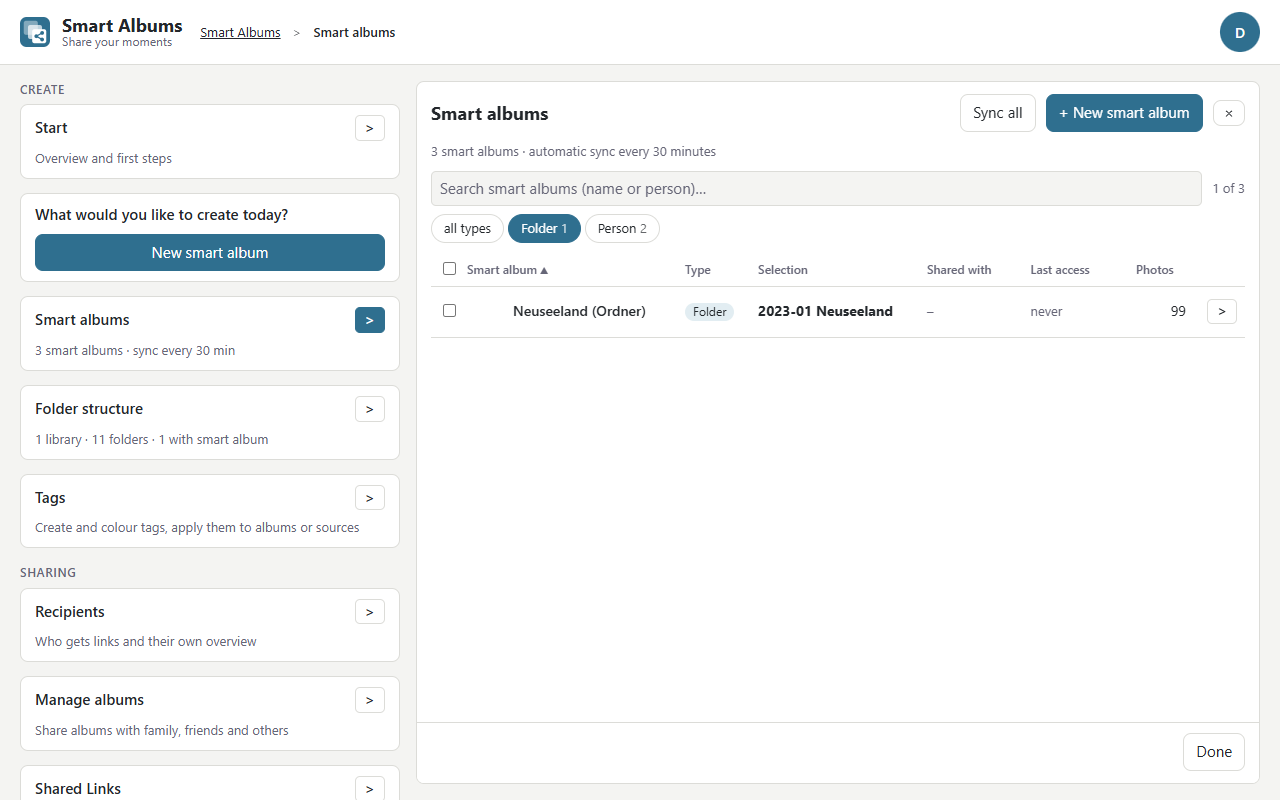
It then shows up in the list of smart albums, here an album of type “Folder”:
Tip
In the app, “Help” in the menu shows the main steps in short. The full guide is here.