Smart Albums
Updated: 2026-11-28 · Smart Albums 1.0.150
Smart Albums fills albums in Immich by itself. You decide what belongs in them, for example a person, a place, a date range or a folder. New photos are added at the next sync, and your recipients see them through their link.
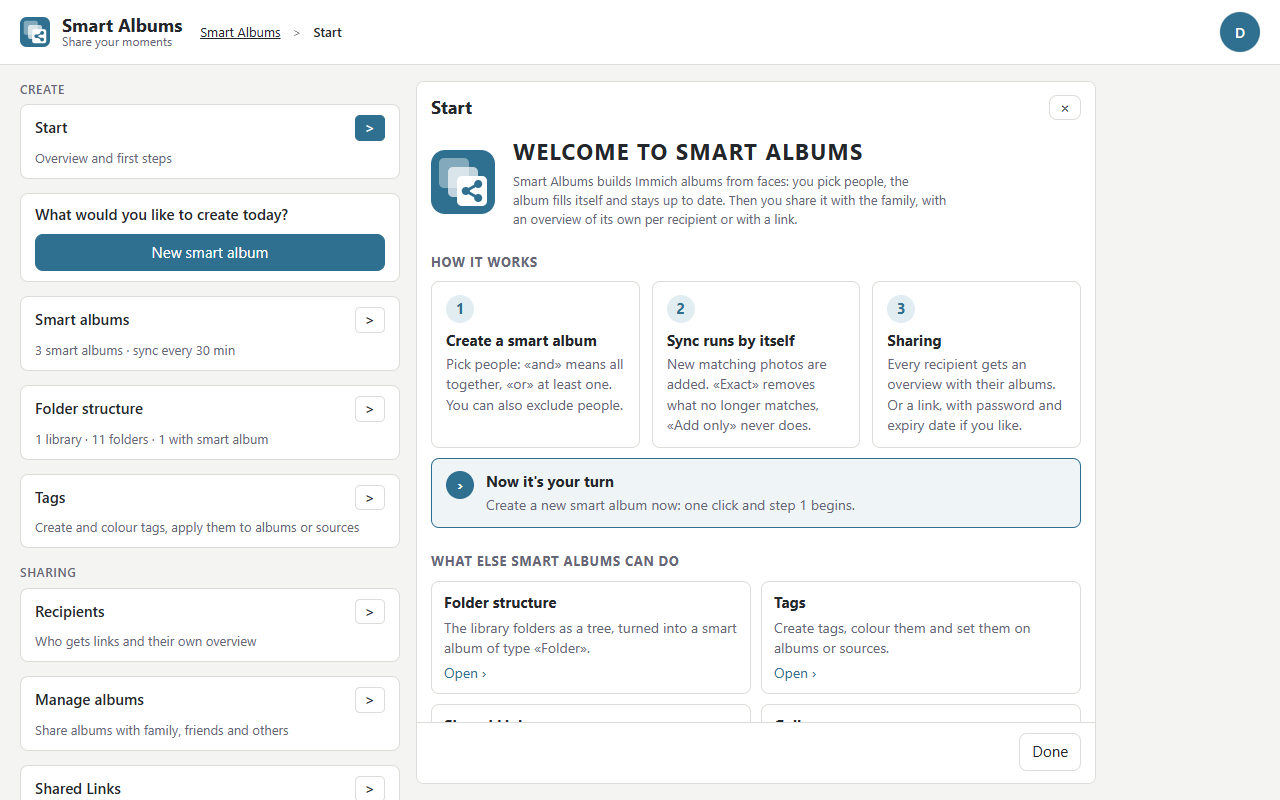
What Smart Albums can do
| Feature | In short | Chapter |
|---|---|---|
| Smart albums | Albums fill themselves by person, place, date range or folder. | Smart albums |
| Smart tags | Photos get a tag automatically, following your rules. | More features |
| Manage albums | Share albums with recipients, with link, password and expiry date. | Recipients and sharing |
| Own overview per recipient | Each recipient sees all their albums on one page. | Recipients and sharing |
| Gallery | Public albums anyone can see. | More features |
| Folder structure | Browse photos by folder and create albums from them. | More features |
Also: manage links, page views, link preview, Album Creator and jobs. All under More features.
What it looks like
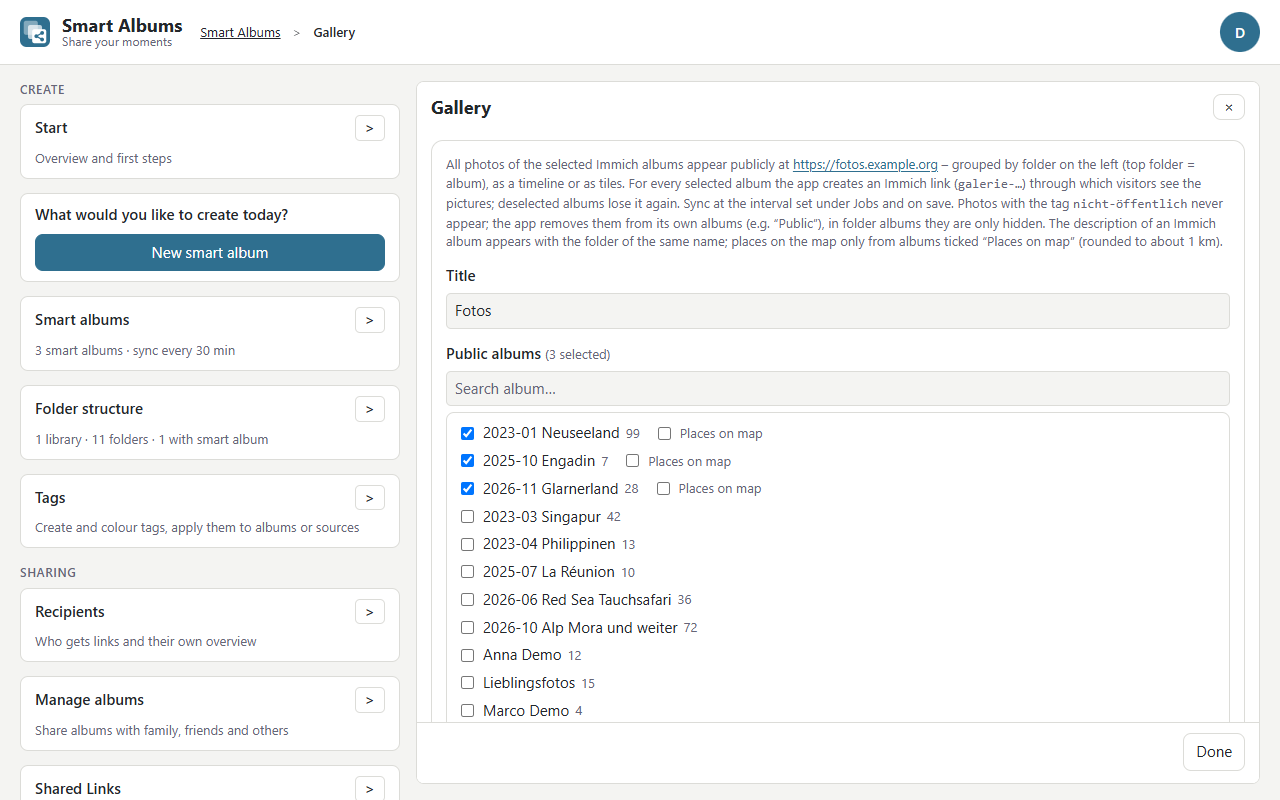
Gallery: You choose the albums that appear publicly.
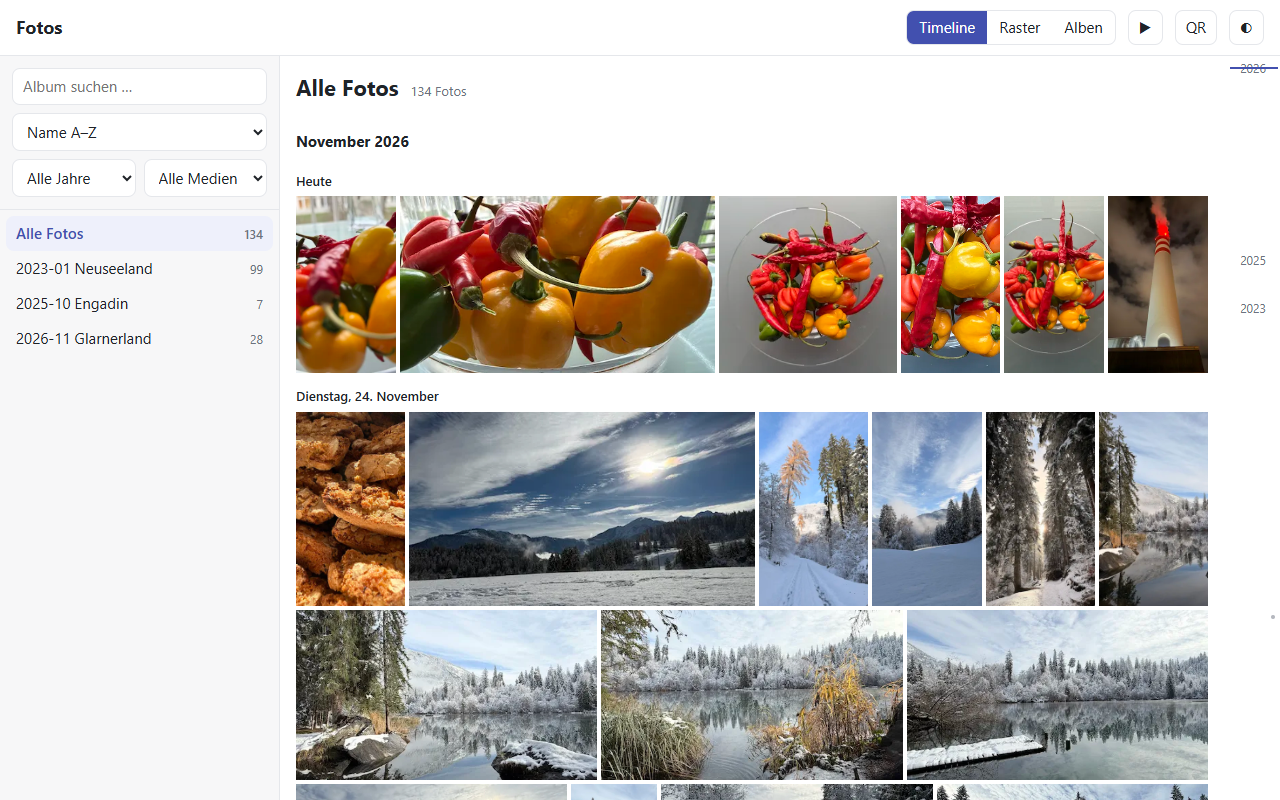
This is how visitors see the gallery, here as a timeline. The public gallery is in German only for now.
Next
- Installation: Docker Compose, API key, first sign-in.
- Photos and folders: why an external library fits best.
- First steps: start, API key, first smart album.
Tip
In the app, “Help” in the menu shows the main steps in short. The full guide is here.