Photos and folders
Updated: 2026-11-28
Smart Albums works best with an external library. Your photos stay in your own folders on the server, for example /path/to/photos/2026/Holiday. Immich only reads them and leaves the folders as they are.
That is why you deliberately do not upload with the Immich app. Immich stores uploaded photos in its own layout, and your folders are lost. Use a sync app like PhotoSync instead: it copies photos from your phone straight into the folders and keeps your iPhone albums as subfolders.
Phone → PhotoSync → Folders → Immich (external) → Smart Albums
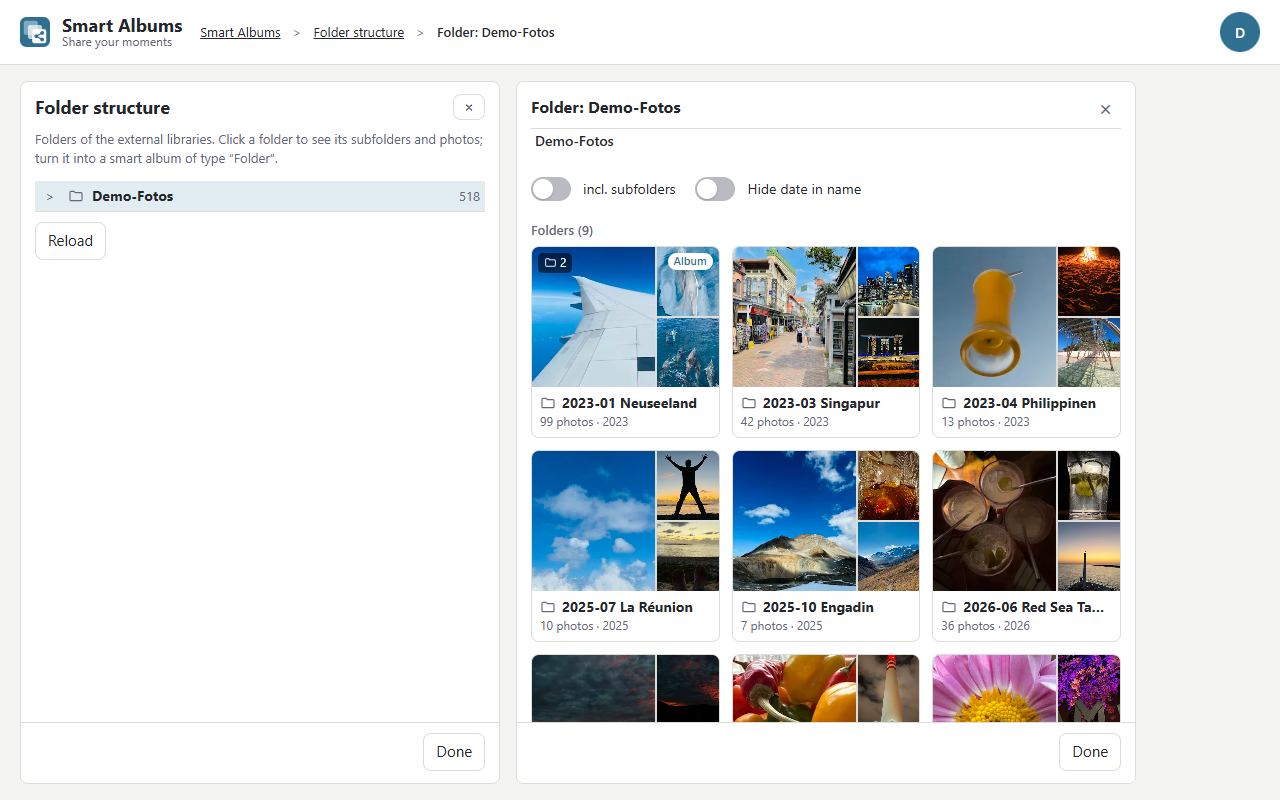
This makes the folders usable in Smart Albums: as the smart album type “Folder”, in the folder structure and in the gallery. Smart Albums still finds photos that were uploaded; they show up as source “Uploaded”, but without folders.
Tip
For tags to stick, Immich must be allowed to write next to the photos (XMP files). Installation shows how.